Table of contents
Table of Contents
A Six Game deposit not credited is stressful, but most missing deposits are found within minutes once the right details reach support. This guide lists what to check first, what to send Customer Service, and the scams that target players waiting for a deposit.
First Checks When a Six Game Deposit Is Not Credited
- Wait the time the payment page mentioned before doing anything else.
- Check that your bank or wallet shows the payment as successful, not pending.
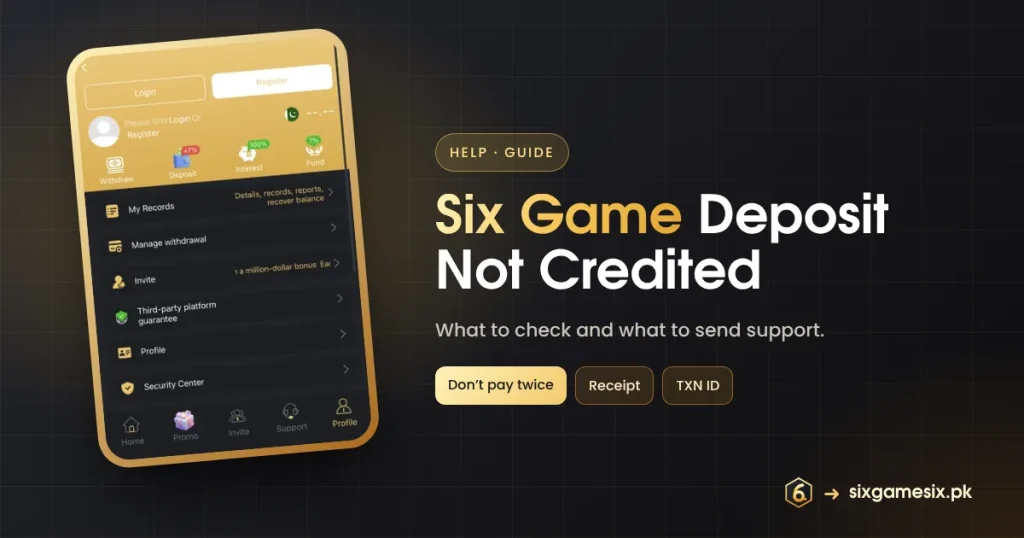
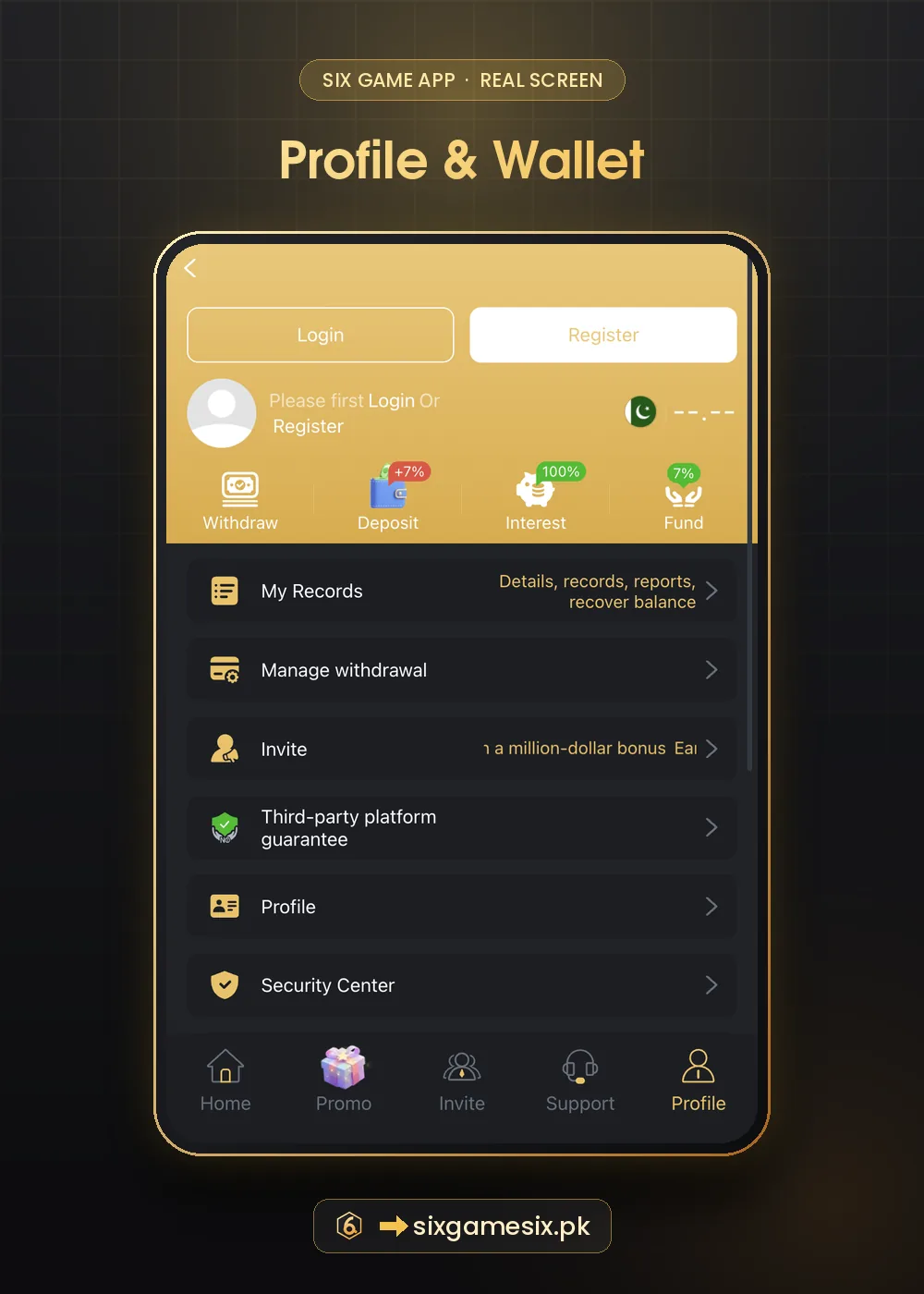
- Open Profile → My Records and look for the deposit.
- Refresh the app or log out and back in.
- Do not pay again; a second payment rarely fixes the first.
Why a Six Game Deposit Is Not Credited
| Cause | What it looks like | Fix |
|---|---|---|
| Bank or wallet delay | Payment pending at your end | Wait, then check again |
| Wrong amount | You paid a different amount from the one shown | Send the receipt to support for manual matching |
| Expired payment session | You paid after the in-app timer ran out | Support can trace it with the transaction ID |
| Paid outside the app | Sent to a number from a chat | Contact your bank; this is likely a scam |
| App not refreshed | Balance shows old figure | Refresh or log in again |
What to Send Six Game Support
- Your account or phone number (not your password).
- The exact amount and the time you paid.
- The payment method.
- The transaction ID from your bank or wallet.
- A clear screenshot of the receipt.
Send everything in one message through the Six Game live support chat or the Customer Service link on the Login screen. One complete message is handled faster than many partial ones. Keep the chat open and answer follow-up questions inside the app.
Scams That Target Missing Deposits
Scammers watch public groups for people complaining about missing deposits, then message them pretending to be support. They ask for an OTP, a “verification fee” or a second payment “to release the first”. Real Six Game support never asks for these. If someone contacts you first, ignore them and use the in-app support only.
Never pay a fee to recover a Six Game deposit, and never share an OTP, even with someone who knows your account number.
Preventing a Six Game Deposit Not Credited Problem
- Always start the deposit from inside the app.
- Pay the exact amount shown, within the time shown.
- Use your own account in your own name.
- Keep the receipt until the balance updates.
- Avoid paying during your bank’s maintenance hours.
If Support Cannot Find the Deposit
Ask support for a reference number for your case and the expected time for an answer. Contact your bank or wallet provider with the same transaction ID; they can confirm where the money went. The State Bank of Pakistan explains consumer complaint routes on its website. Read our Six Game deposit guide for the normal deposit flow.
A Message Template for Six Game Support
Copy this and fill in your details when a Six Game deposit is not credited: “Hello, my deposit is not credited. Account: [phone or account]. Amount: [amount]. Time: [date and time]. Method: [method]. Transaction ID: [ID]. Screenshot of the receipt attached. Please check and credit my account. Thank you.” A message like this gives the agent everything at once, so they can search the payment without asking follow-up questions. Keep your password and any codes out of the message; support never needs them.
If you sent money outside the app after a stranger contacted you, report it to your bank or wallet straight away and read the official website guide so it does not happen again.
- One message with every detail.
- Receipt screenshot attached.
- Never include passwords or OTP codes.
In most cases a Six Game deposit not credited is resolved the same day once support has the transaction ID. If you face the same problem twice with one payment method, try a different in-app method next time and tell support, so they can check whether that channel has a known delay. Keeping a short log of each Six Game deposit, with the time and ID, makes any future Six Game deposit not credited case much quicker to solve.
Our Verdict
Most Six Game deposit not credited cases are delays or mismatched amounts that support can trace with a transaction ID and receipt. Stay calm, do not pay twice, send one complete message and ignore anyone who contacts you first.
Related Six Game Guides
Six Game Deposit Not Credited FAQ
How long should I wait before contacting support?
Wait the time shown on the payment page, then contact support with your receipt.
Should I deposit again?
No. Paying twice rarely fixes the first payment.
What is a transaction ID?
The reference your bank or wallet gives every payment. It appears on the receipt.
Someone offered to fix it for a fee. Is that real?
No. That is a scam.
Where do I see my deposits?
Profile → My Records.